
Apps & URLs shows which programs and websites your team used during tracked time.
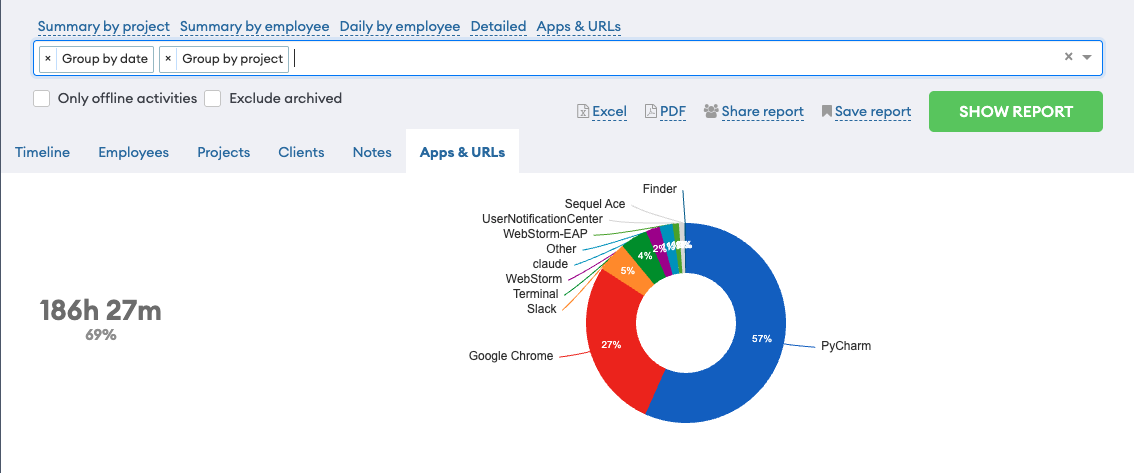
What gets recorded
While tracking is running, the app records the application in the foreground. In a browser, it also records the website being viewed.
It samples every 11 seconds, so a five-minute detour shows up and a quick look at a tab does not.
Where you see it
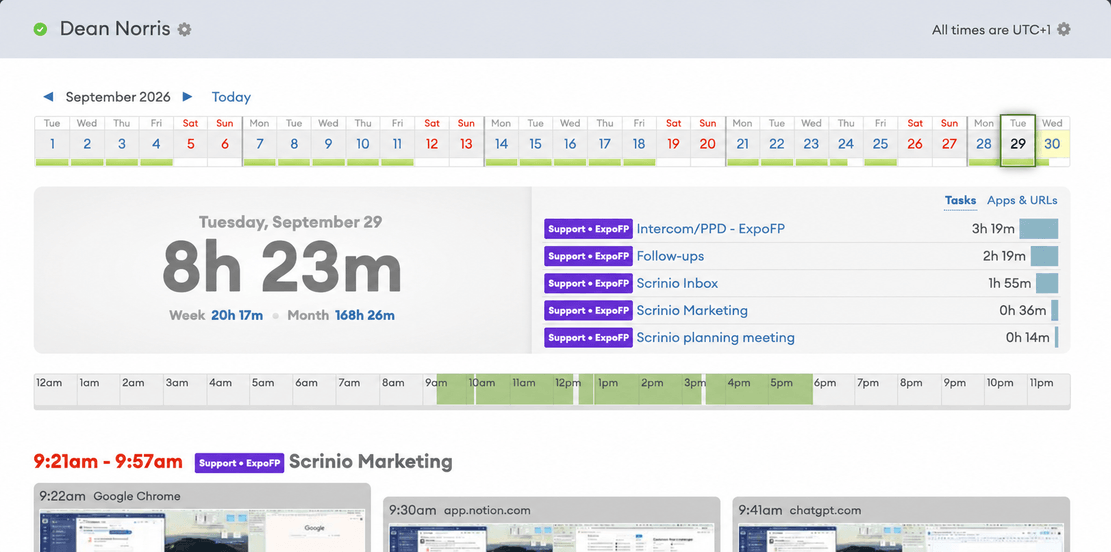
- On the timeline — an Apps & URLs tab next to the screenshots for that day. You can explain a stretch of time without opening every capture.
- In reports — Group by Apps & URLs turns a date range into a ranked list of where the hours went.
- In a shared link — include it or leave it out, per report.
What it is used for
Two things, mostly. Billing a client for the tools the work actually happened in. And checking that an afternoon marked “design” was spent in a design tool rather than in a mail client.
Turning it off
App and website tracking is on by default. You can switch it off for the whole team or for one person.
It is a team setting, so nobody is excluded quietly: the person being tracked sees the current state in their own app.
More features
All features · How it works · Plans & pricing